5 min read
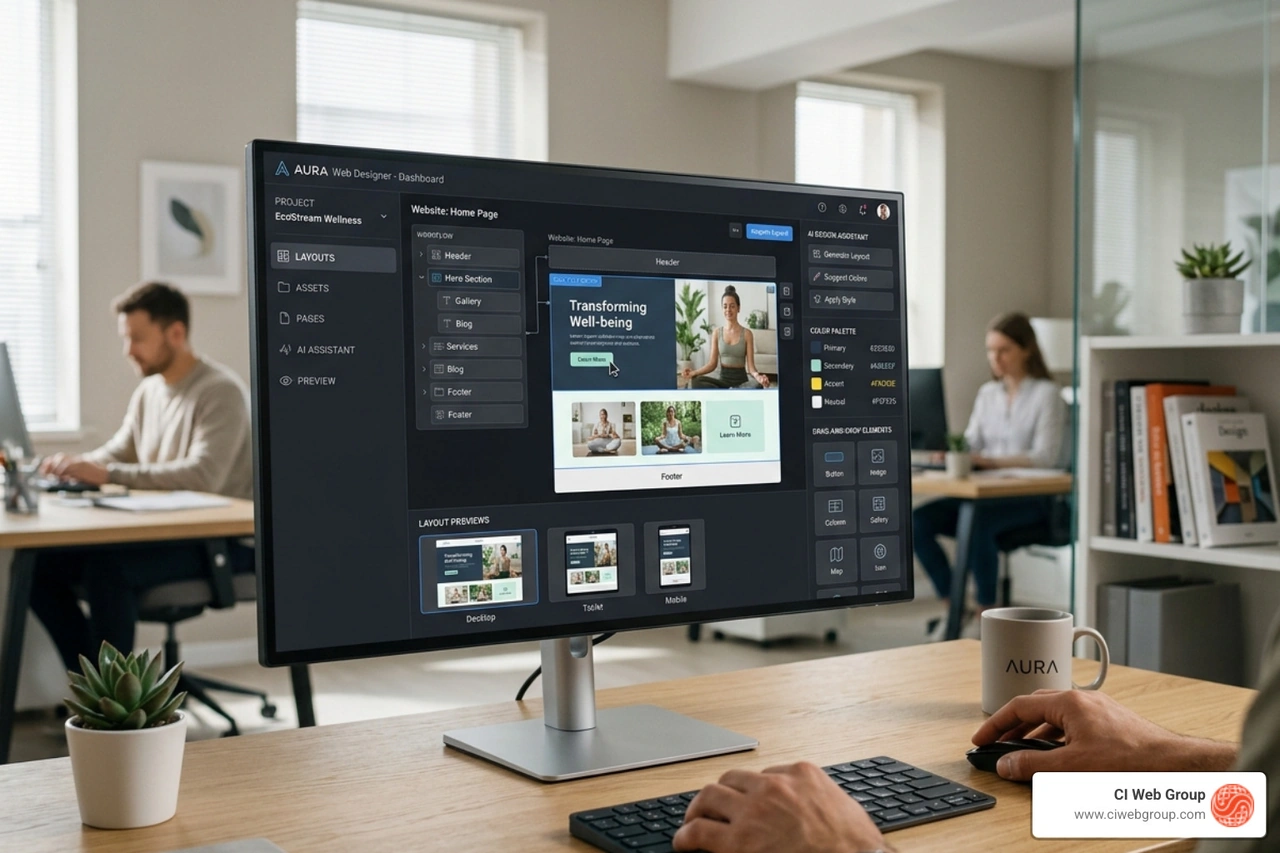
Unlocking Efficiency: A Guide to AI-Powered Web Design Services
Discover AI web design services: top tools, workflows, benefits for home services, and 2026 trends for efficient, SEO-optimized sites.
Read more

April 3, 2026

Webflow website capabilities depend on which combination of plans you choose to support your business goals. Here's a quick breakdown of the different options available:
| Plan Type | What It Covers | Purpose |
|---|---|---|
| Site Plans | Hosting, custom domain, CMS, bandwidth | Publishing a live, professional site |
| eCommerce Plans | Online store features, product management, checkout | Businesses selling products online |
| Workspace Plans | Team collaboration, staging, project management | Internal teams and agency collaboration |
| Add-ons | A/B testing, analytics, multilingual support | Advanced growth and optimization |
The platform uses a modular structure, meaning you build your digital presence by combining the pieces that match your actual business needs. Whether you need a basic site or a full-featured business setup, the platform scales with you.
What makes Webflow powerful is the flexibility of its two separate tracks (Site Plans and Workspace Plans) and how add-ons layer on top. Once that structure is understood, planning your digital strategy becomes straightforward.
This is exactly the kind of clarity that home service businesses and distributors need when evaluating website platforms. I'm Jennifer Bagley, CEO of CI Web Group, and I've spent my career helping business owners cut through digital confusion to make smart, growth-focused technology decisions. Let's walk through everything you need to know to plan your project confidently.
Webflow website word roundup:
When we talk about a Webflow website, we are really talking about a modular system. Think of it like building a custom home. You have the land (the Workspace), the actual house structure (the Site Plan), and the high-end finishes (the Add-ons).
Many people dive into Webflow and appreciate the separation of services. This means you aren't utilizing features you don't need. At CI Web Group, we often see businesses using "all-in-one" packages on other platforms where they only use a fraction of the tools. Webflow lets us be more surgical with your digital strategy.
The hosting infrastructure is one of the biggest value drivers here. Unlike a shared host where your site sits on a server with thousands of others, Webflow uses a Tier 1 Content Delivery Network (CDN) powered by Amazon Web Services (AWS) and Fastly. This means your site loads fast everywhere. When you look at How Much Does a Webflow Website Cost?, you have to factor in that this isn't just "hosting"—it's enterprise-grade performance.
Site Plans are attached to an individual project. If you want to launch a website on a custom domain (like www.yourbusiness.com), you need a Site Plan.
While Site Plans are for the site, Workspace Plans are for the people managing it. Workspace plans provide:
If you plan to sell parts, filters, or maintenance plans directly through your site, your Webflow website will include an eCommerce plan. Webflow’s eCommerce is visually driven, meaning your store doesn't have to look like every other cookie-cutter shop on the internet.
Effective Webflow content management is what makes these stores successful. Being able to update a product description in seconds across the whole site is a massive time-saver for busy business owners.
It isn't just about the plan; it's about how your customers use the site. Webflow monitors a few key metrics:
These technical details are part of why Webflow technical SEO is so strong—the platform is built to handle these elements efficiently.
Webflow recently introduced "Add-ons" to give businesses even more power.
When people ask us about a Webflow website, they often compare it to alternatives like WordPress. The value of Webflow lies in its integrated nature.
On other platforms, you often deal with "plugin hell." You need a plugin for SEO, a plugin for security, a plugin for speed, and a plugin for forms. Then, one plugin updates and potentially breaks another.
Why CI Web Group recommends Webflow over WordPress comes down to reliability. Webflow handles the security, the backups, and the maintenance. You don't have to spend your time updating software versions.
The advantage in Webflow is the lack of maintenance overhead. Because it produces clean code and uses AWS hosting, the sites are inherently more secure and faster.
When you look at Webflow speed optimization, you realize that a faster site leads to better conversion rates. This is a major reason why WordPress is not the best choice for every website.
While the platform provides the foundation, there are key elements to consider when launching a professional site.
Yes! Webflow offers a robust Starter plan. This is perfect for learning the platform, prototyping a new idea, or building a personal project. You can even publish it to a "webflow.io" subdomain. However, for a professional business presence, you’ll eventually want to upgrade to a paid Site Plan to use your own domain.
For most solo business owners: No. You can use the free Workspace plan and just use a Site Plan for hosting. For teams or agencies managing several different websites, the Workspace plan becomes essential for organization and collaboration.
Webflow typically offers a different structure if you choose to commit to a full year upfront rather than month-to-month. For an established business, annual billing is a strategic choice that simplifies your bookkeeping and ensures your Webflow website remains active without interruption.
At CI Web Group, we don't just build websites; we build growth engines. Our approach is rooted in data-driven marketing and complete transparency. When we recommend a platform, it’s because we know it will help you dominate online search and achieve your goals.
We believe in client asset ownership. That means when we build your site in Webflow, you own it. There are no "hostage" situations or complex contracts. We provide support and customized programs tailored to the home service industry.
Ready to see how a high-performance site can transform your business? Let's talk about Webflow web design and how we can help you plan for brilliance. Our team is ready to help you navigate the technicalities so you can focus on what you do best—serving your customers.
Search our Blog
5 min read
Unlocking Efficiency: A Guide to AI-Powered Web Design Services
Discover AI web design services: top tools, workflows, benefits for home services, and 2026 trends for efficient, SEO-optimized sites.
Read more

5 min read
Your Go-To Resource for All Things Plumbing Store Related
Discover everything about plumbing supply. Find products, repair parts, and pro tips for your next project or business growth. Your ultimate guide.
Read more

5 min read
Nail Down New Business: Proven Strategies for Roofing Marketing Leads
Discover proven strategies to generate high-quality roofing marketing leads in 2026. Master SEO, AI, PPC & more for max ROI!
Read more

5 min read
Don't Get Ripped Off: Finding Top Roofing Logo Design Services
Don't get ripped off! Discover top roofing company logo design services to build a trusted, professional brand.
Read more