5 min read
How to Build an HVAC Brand That Doesn't Blow Cold Air
Build a standout HVAC brand with expert Branding for HVAC tips: logos, consistency, digital activation & ROI strategies for 2026 growth.
Read more

January 7, 2026
Webflow technical SEO is the foundation for making your site visible, fast, and trustworthy to search engines. Without it, even the best content won't rank. Key areas to optimize include:
Search engines drive more traffic than all social media combined, yet many Webflow sites miss critical technical optimizations. Technical SEO tells Google your site has authority and value; it's the infrastructure supporting all your content.
Webflow gives you a head start with clean, semantic HTML, automatic SSL, sitemaps, and built-in controls for meta tags and redirects. However, these features require strategic use to be effective.
Technical SEO isn't a one-time task. Sites age, 404 errors appear, and ranking factors evolve. With AI reshaping search, technical optimization is more critical than ever. AI systems need clear site structure, semantic HTML, and fast performance to understand and recommend your content.
I'm Jennifer Bagley, CEO of CI Web Group. In this guide, we'll explore how to leverage Webflow's capabilities for advanced technical SEO to drive sustainable organic growth for home service businesses in Houston, Texas, the Pacific Northwest, Southeast, Southwest, and beyond.
Essential Webflow technical SEO resources:
Think of search engine crawlers as inspectors of your website. Webflow technical SEO helps organize your site for them. Webflow provides a significant advantage with its clean, semantic HTML code, making your site's structure easy for search engines to understand. Semantic tags like <header>, <nav>, and <article> define content purpose, helping search engines interpret pages accurately.
A well-planned site architecture is also crucial. A "flat" architecture, where most pages are a few clicks from the homepage, improves user experience and helps crawlers find content efficiently. Webflow's visual builder helps create this logical flow, resulting in a site that's both functional and search-engine friendly.
Crawlability and indexing are fundamental; if search engines can't find your pages, they can't rank them.
noindex to prevent duplicate or unfinished content from being indexed.A clean, logical URL structure is a powerful SEO signal that improves user experience. URLs should be descriptive and readable. In Webflow, optimize URL slugs to include primary keywords (e.g., yoursite.com/your-relevant-keyword/). Use hyphens to separate words and avoid capital letters or underscores.
An internal linking strategy connects related pages, distributing SEO authority and guiding users. Use descriptive anchor text that accurately describes the linked page. A great strategy is building pillar pages (comprehensive guides) that link to related topic clusters (specific posts), which in turn link back to the pillar. This structure signals authority. Webflow's CMS Collections are ideal for this.
Finally, avoid orphan pages—pages with no internal links. Regularly audit your links to ensure all content is findable.
Semantic HTML gives meaning to your content beyond its visual look, which is vital for SEO and accessibility. HTML5 semantic tags like <header>, <nav>, and <article> convey structure, helping search engines interpret content and improve rankings.
These tags also improve accessibility, as screen readers rely on them to help users steer content. In Webflow, you can easily assign the correct HTML5 tag to elements using the "Tag" dropdown in the Element Settings panel, no code required. For improved accessibility, add descriptive aria-labels to provide extra context for screen readers. You can learn more about using aria-labels for accessibility.
Slow page load times are a major issue. A customer looking for HVAC services in Houston, Texas, won't wait for a slow page to load—they'll leave. Slow sites lead to high bounce rates and frustrated users, which hurts your ranking. Speed is a confirmed ranking factor because it's central to a good user experience. Studies show that a 1-second delay can significantly reduce user satisfaction, and many visitors will abandon a site that takes more than 4 seconds to load. For home service companies, a fast site signals professionalism and keeps potential clients engaged.
Google's Core Web Vitals are key metrics for user experience and are crucial ranking signals for Webflow technical SEO. The three vitals are:
We analyze both field data (real-user data from Google Search Console) and lab data (simulated data from tools like Google PageSpeed Insights) to diagnose and fix issues. Regular monitoring is essential.
Here are actionable steps for a faster Webflow site:
Regularly test site speed with tools like Lighthouse or WebPageTest to find and fix issues.
Proper media optimization is a cornerstone of Webflow technical SEO.
houston-hvac-repair.jpg instead of IMG_001.jpg to help search engines.With the basics covered, advanced Webflow technical SEO techniques can make your site stand out. These help search engines understand your content more deeply and manage your digital footprint. Key areas include preventing duplicate content, which can dilute link equity, and leveraging rich results. Rich results are improved search snippets (e.g., with star ratings or prices) that can significantly boost click-through rates from the SERP.
Structured data (Schema Markup) is code added to your site to help search engines understand your content's context. We use Google's preferred JSON-LD format to enable rich snippets in search results, making listings more informative. The schema.org vocabulary offers standard types to describe entities like Events, Products, and local businesses. For service companies in Houston, Texas, or the Pacific Northwest, marking up services and reviews is highly beneficial.
In Webflow, you add schema via custom code. For static pages, add JSON-LD scripts to the page's custom code section. For dynamic CMS content, use dynamic fields to populate the schema automatically. After implementation, validate your code with Google’s Rich Results Test. Tools like the Schema Markup Generator can help create the code.
Managing redirects and canonicals is vital for SEO health.
Mobile-friendliness and security are fundamental for Webflow technical SEO.
Technical SEO is an ongoing process, not a one-time task. Regular audits and performance monitoring are critical for maintaining your SEO strategy and adapting to new trends. Like an HVAC system, your website needs continuous care to stay competitive. This proactive approach helps catch issues early and align with Google's frequent algorithm updates.
To effectively audit and monitor Webflow technical SEO, we rely on a suite of powerful tools:
Using these tools regularly helps maintain your Webflow site's health.
Be aware of these common Webflow technical SEO pitfalls:
noindex in Webflow's settings.<h1> tag. Use headings in a logical order (H1, H2, H3) to avoid confusing search engines and to improve accessibility.The rise of AI agents and Large Language Models (LLMs) like Google's SGE is changing search, making Webflow technical SEO more dynamic. AI crawlers look for clear, structured, and semantically rich information to process and use in answers. A technically sound site is crucial for this AI interpretability.
An emerging consideration is the llms.txt file, which, like robots.txt, may allow control over how LLMs access your content. For more advanced Agentic AI, which can perform multi-step tasks, a clear site structure, robust semantic HTML, and descriptive aria-labels are essential. The goal is to make your Webflow site understandable to both traditional search engines and the AI systems of the future.
Webflow technical SEO is the foundation of your site's search engine success, ensuring it's fast, secure, and understandable to both humans and AI. While Webflow provides a powerful platform, strategic implementation and continuous monitoring are key. Every detail, from clean code and sitemaps to image optimization and schema, contributes to your site's health and visibility.
Technical SEO is an ongoing process of auditing and adapting. Prioritizing Core Web Vitals, clean URLs, and designing for mobile and AI builds a foundation for sustainable growth.
At CI Web Group, we specialize in data-driven digital marketing for home service companies across Houston, Texas, the Pacific Northwest, Southeast, and Southwest. Our expertise in Webflow technical SEO turns your website into a powerful lead-generation engine.
Ready to boost your Webflow site's performance and outrank the competition? Learn more about our web services and let us help you build a technically flawless online presence.
Search our Blog
5 min read
How to Build an HVAC Brand That Doesn't Blow Cold Air
Build a standout HVAC brand with expert Branding for HVAC tips: logos, consistency, digital activation & ROI strategies for 2026 growth.
Read more

5 min read
Beyond the Acronyms: Understanding KPI and SLA Reports
Master KPI and SLA reports: Track performance, ensure compliance, and drive IT service success with essential metrics and best practices.
Read more
5 min read
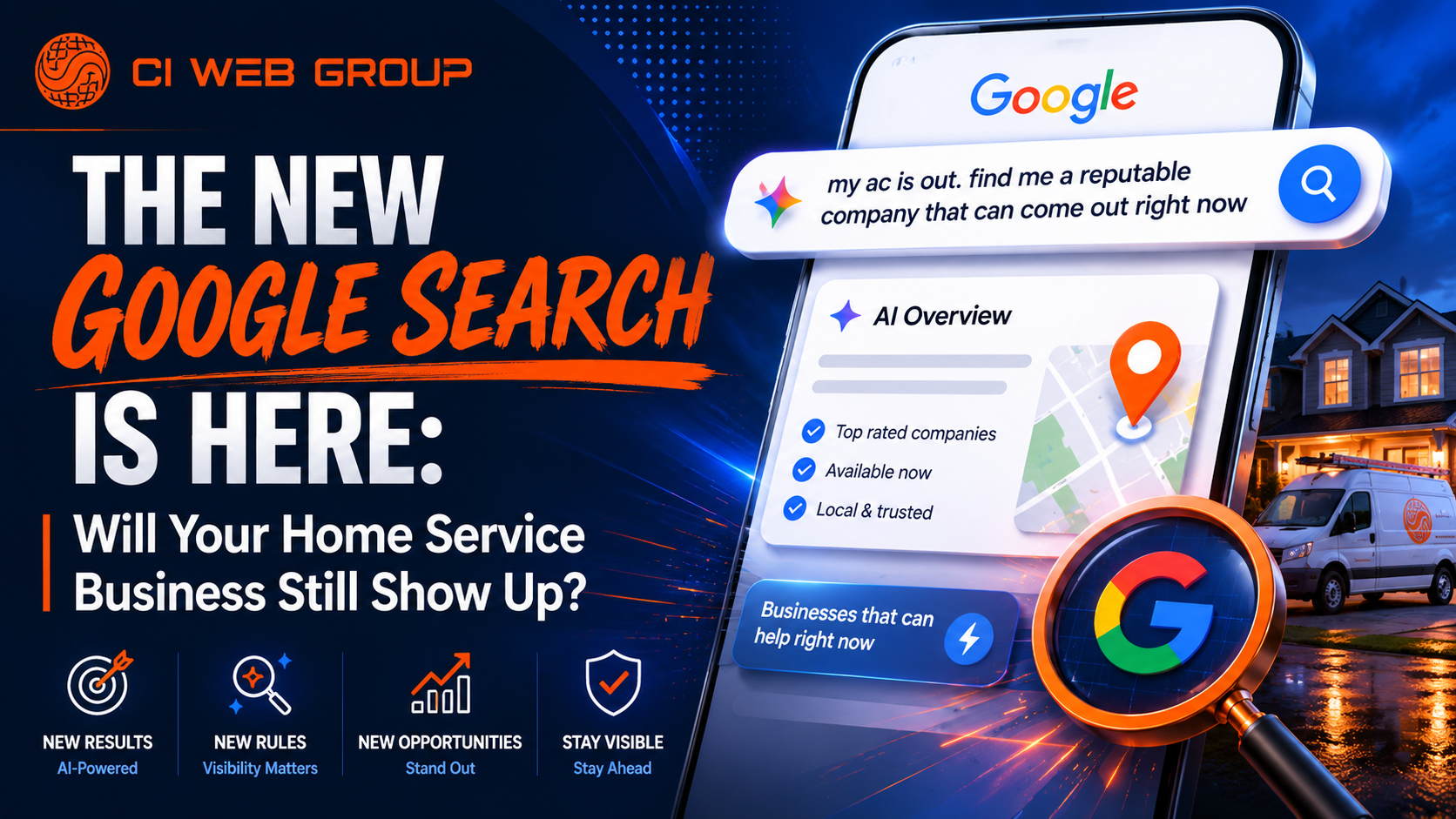
The New Google Search Is Here: Will Your Home Service Business Still Show Up?
Google just changed Search forever. Discover the 3 critical steps home service contractors must take right now to stay visible to AI search agents.
Read more

5 min read
The Ultimate Contractor Growth Guide
Master digital marketing for contractors in 2026: SEO, PPC, AI search, GEO & reputation strategies to dominate local rankings and scale your business.
Read more