
5 min read
The Complete Guide to Plumbing Website Design
Discover expert plumbing website design strategies that boost conversions, mobile performance, and local SEO for your plumbing business.
Read more

November 26, 2025
A daily KPI dashboard tracks your most important business metrics—like revenue, leads, and conversion rates—on a day-to-day basis. It helps you:
For home service companies, speed is a key differentiator. A marketing campaign could take off overnight, or a service issue could cause a dip in calls. A daily report shows you what's happening right now, not what happened last month. This allows you to course-correct, capitalize on wins, and fix issues before they snowball.
I'm Jennifer Bagley, and for over two decades at CI Web Group, I've helped home service companies build reporting systems that turn data into action. We've consistently seen that contractors who accept daily reporting outpace competitors who are stuck waiting for monthly summaries.
For more on building a complete performance tracking system, check out our guide to corporate performance dashboards. When you're ready to implement automated reporting that works, explore our reporting technology solutions.
Similar topics related to daily KPI reporting:
Think of a daily KPI report as your business's morning health check. It tells you how your business is performing against its most important goals. So what exactly is a KPI? It stands for Key Performance Indicator, and that word "key" is critical. A KPI isn't just any number—it's a strategic metric that directly connects to a business objective. It answers the question: "Are we making progress on our goals?"
Many businesses confuse metrics with KPIs. A metric is any measurement you can track, like website visitors or phone calls. A KPI is a metric that is vital to a specific goal. If your objective is to increase customer acquisition by 20%, then "qualified leads generated" is a KPI.
For home service companies, reviewing KPIs daily keeps objectives like customer growth or service efficiency front and center. This frequent attention enables proactive problem-solving. For example, if a plumbing company sees a sudden drop in emergency calls on a Tuesday report, they can investigate immediately. The cause—a technical issue, a competitor's new campaign—can be addressed today, not three weeks from now after significant revenue has been lost. Without this daily pulse check, small issues become expensive problems.
At its heart, a daily report answers two questions: "What am I ahead or behind on?" and "By how much?" It creates an immediate feedback loop and helps you identify trends before they become problems. Think of it as an early warning system that signals when something is off in your marketing, sales, or operations before it seriously damages your bottom line.
Different reporting frequencies serve different purposes, but daily reports provide the speed and granularity needed for a competitive edge.
| Dimension | Daily KPI Report | Weekly KPI Report | Monthly KPI Report |
|---|---|---|---|
| Granularity | Highly detailed, day-by-day or even hour-by-hour data | Summarized performance over seven days | High-level overview of the entire month |
| Purpose | Immediate action, quick fixes, daily course corrections | Tactical adjustments, trend identification, team performance review | Strategic planning, long-term assessment, executive decision-making |
| Audience | Front-line managers, team leads, service coordinators | Department heads, marketing managers, operations leads | Senior leadership, executives, business owners |
While weekly reports are great for tactical adjustments and monthly reports are essential for strategic planning, only daily reporting provides the real-time visibility needed to impact today's performance. This transforms your business from one that reacts to monthly summaries into one that proactively shapes outcomes every single day.
For more on building a complete performance tracking system, check out our guide to corporate performance dashboards and dive deeper into the metrics every leader should know.
Building an effective daily KPI report requires a structured approach. We've developed a six-step process to make daily reporting a manageable, powerful business habit.

Start by asking: "What are we trying to accomplish?" Every KPI must tie directly to a specific business goal, like increasing same-day bookings or improving contract renewals. Without clear objectives, you're just collecting numbers.
Not everyone needs the same information. A service technician's report should differ from the owner's. Tailor the daily report to its audience to ensure the information is relevant and actionable.
This is the "Key" in Key Performance Indicators. We recommend focusing on 5 to 9 KPIs for a daily report to avoid information overload. Choose metrics that are genuinely actionable and reflect your most critical objectives. For guidance, see our list of essential KPIs for home service marketing.
Data visualization is essential. Use charts and graphs to make trends obvious at a glance. A line graph can show daily leads over a month, while a bar chart can compare performance across teams. Color-coding (e.g., green for on-target, red for needing attention) helps make the report scannable.
Numbers need context. Is 47 service calls good? Compare it to your target, the previous day, or the same day last year. A powerful daily KPI report includes historical comparisons, benchmarks, and targets to provide meaning.
Manually creating reports is unsustainable. Automation is what makes daily reporting practical. Modern tools can connect to your CRM, marketing platforms, and other data sources to generate reports automatically. This provides real-time, accurate data, saves time, and reduces human error, allowing your team to focus on analysis and action.
When selecting KPIs, less is more. Ensure every KPI has a clear alignment with your goals. Include a mix of leading indicators (predictive metrics like website traffic) and lagging indicators (results like total revenue). Avoid vanity metrics—numbers that look impressive but don't drive business outcomes (e.g., social media followers who never book a service). Focus on actionable metrics that tell you what to do.
For design, clarity is king. A daily report should be instantly readable. Use effective data visualization, strategic color-coding, and a clean layout with plenty of white space. Group related KPIs and consider interactive elements that allow users to drill down for more detail without cluttering the main view. This provides both a quick overview and the capacity for a deep dive.
So, what should you track in your daily KPI report? While the answer depends on your priorities, some metrics are essential for nearly every home service company. Here are key indicators across the three core areas of your business: sales, marketing, and operations.
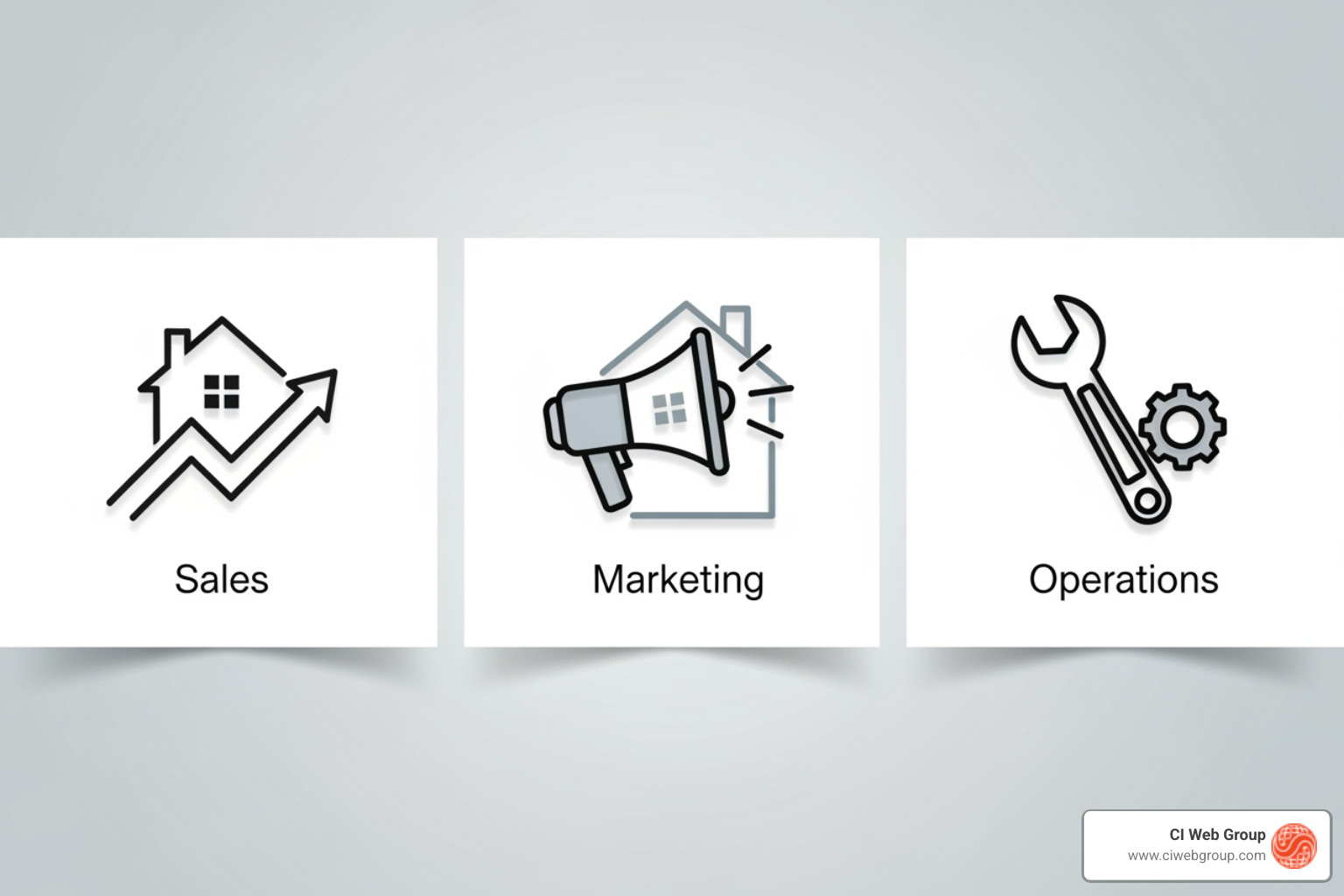
These KPIs track the conversion of leads into revenue.
These KPIs ensure your marketing campaigns are generating opportunities, not just spending money.
For a deeper look at the customer journey, deep dive into funnel analytics.
These metrics measure the efficiency and effectiveness of your service delivery.
Creating a daily KPI report is the first step; presenting it effectively and automating the process makes it a true business advantage. A report no one sees or that takes hours to compile is useless.
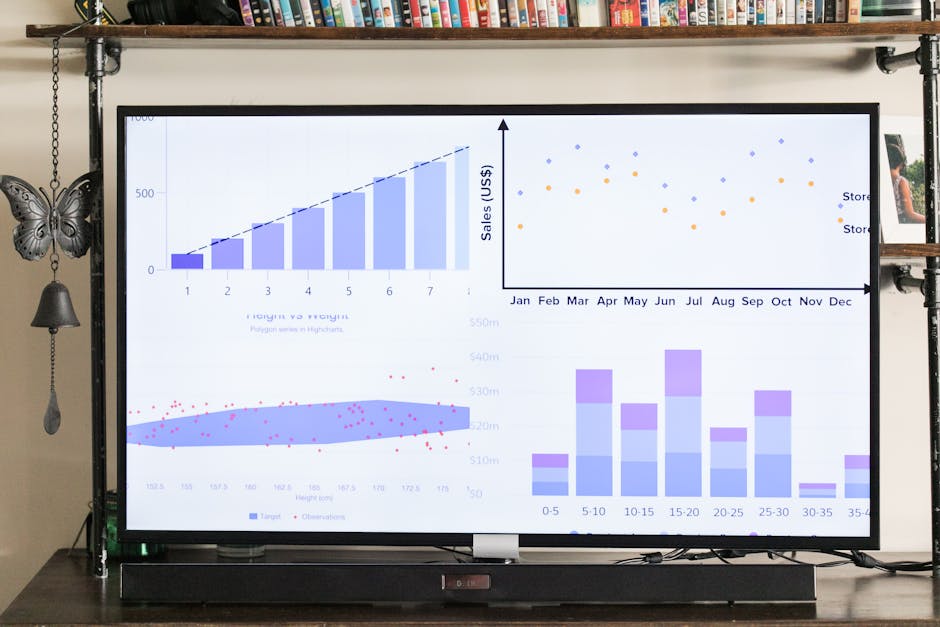
Automation transforms daily reporting from a burden into a benefit. It ensures data is always current, eliminates manual entry errors, and frees up your team to analyze numbers and take action. When a dashboard updates automatically, it becomes a quick, everyday habit that improves team results and communication. These are the metrics every leader should know to guide their teams.
At CI Web Group, our custom reporting technology integrates with your existing systems—CRM, marketing platforms, scheduling software—to compile your daily report automatically. Modern dashboard tools create dynamic, interactive experiences. If you see a traffic spike, you can drill down to the source. If conversions dip, you can filter by campaign to find the cause. We connect all your systems into one unified view, so you no longer have to log into multiple platforms to understand performance.
To ensure the right people see your daily KPI report, use multiple distribution methods:
Our guide on how to set up marketing dashboards for contractors offers more strategies for presenting data to drive action.
A metric is any quantifiable measure (e.g., total website visitors, emails sent). A KPI (Key Performance Indicator) is a specific metric that is directly tied to a critical business objective. It measures progress toward a strategic goal. In short, all KPIs are metrics, but not all metrics are KPIs. Your daily report should focus only on KPIs.
The goal is clarity, not complexity. We recommend focusing on 5 to 9 of your most critical KPIs. This provides a clear snapshot of performance without causing information overload. If a report is too long or complex, it won't be used. A daily report should be scannable in seconds and understood in minutes.
While often used interchangeably, there is a subtle difference:
Modern solutions blend these two. The best daily KPI report is often an interactive dashboard that provides both immediate visualization and the ability to drill down for deeper analysis. They complement each other, showing you what's happening and helping you understand why.
In the home service industry, waiting a month to understand your performance means falling behind. A daily KPI report provides the real-time visibility needed to make smart decisions, act on opportunities, and stay ahead of the competition.
Daily tracking creates a culture of accountability and proactive problem-solving. Your team stops reacting to old news and starts shaping outcomes today. From sales and marketing to service delivery, everyone understands how their work contributes to the bottom line. For home service companies where every lead and customer interaction matters, this level of insight is essential for growth.
At CI Web Group, we specialize in changing raw data into actionable intelligence for home service companies. Our custom reporting technology automates your daily reporting and presents it in a clear, easy-to-understand format—no data expertise required. We provide the clarity you need to see what's working and what isn't, delivered right to your inbox, phone, or office TV.
Ready to stop guessing and start growing with data-driven confidence? Get a clear picture of your business performance with our advanced reporting technology and find how daily insights can become your greatest competitive advantage.
Search our Blog
5 min read
The Complete Guide to Plumbing Website Design
Discover expert plumbing website design strategies that boost conversions, mobile performance, and local SEO for your plumbing business.
Read more

5 min read
5 Ways to Find a Reliable Plumber Fast
Discover plumbing website content strategies that help homeowners find a reliable plumber fast with mobile-friendly design and trust signals.
Read more

5 min read
The Definitive Guide to HVAC Vehicle Wraps
Discover how HVAC vehicle wraps boost brand visibility, generate leads, and build trust with professional fleet graphics that deliver lasting marketing results.
Read more

5 min read
Step-by-Step Guide to Reliable Pest Control Marketing
Discover how pest control marketing services can boost local visibility, generate leads, and drive recurring revenue with proven strategies for 2026.
Read more